Contact us: +43 720 513 258 | katharina.pirker@nilab.at
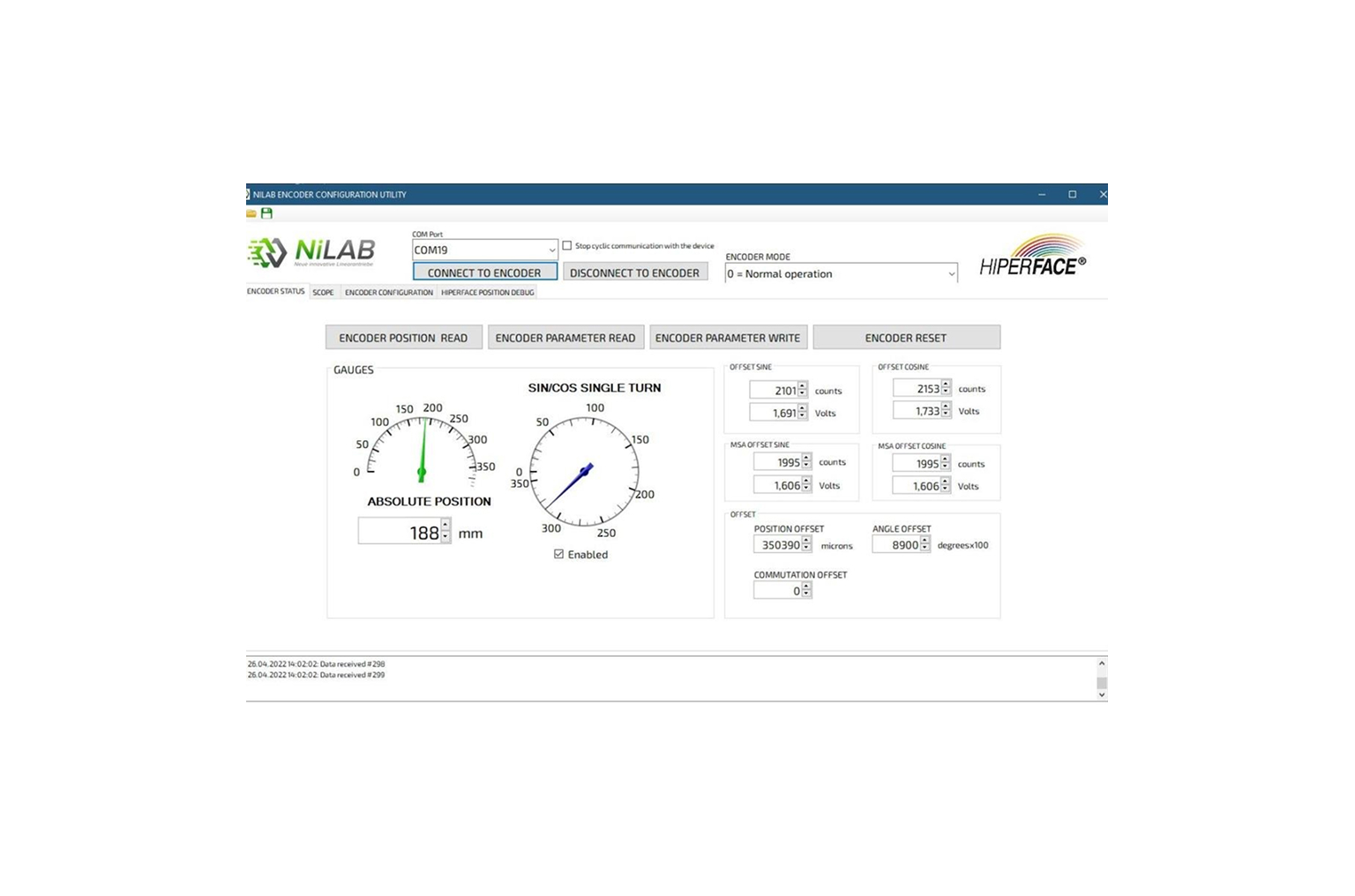
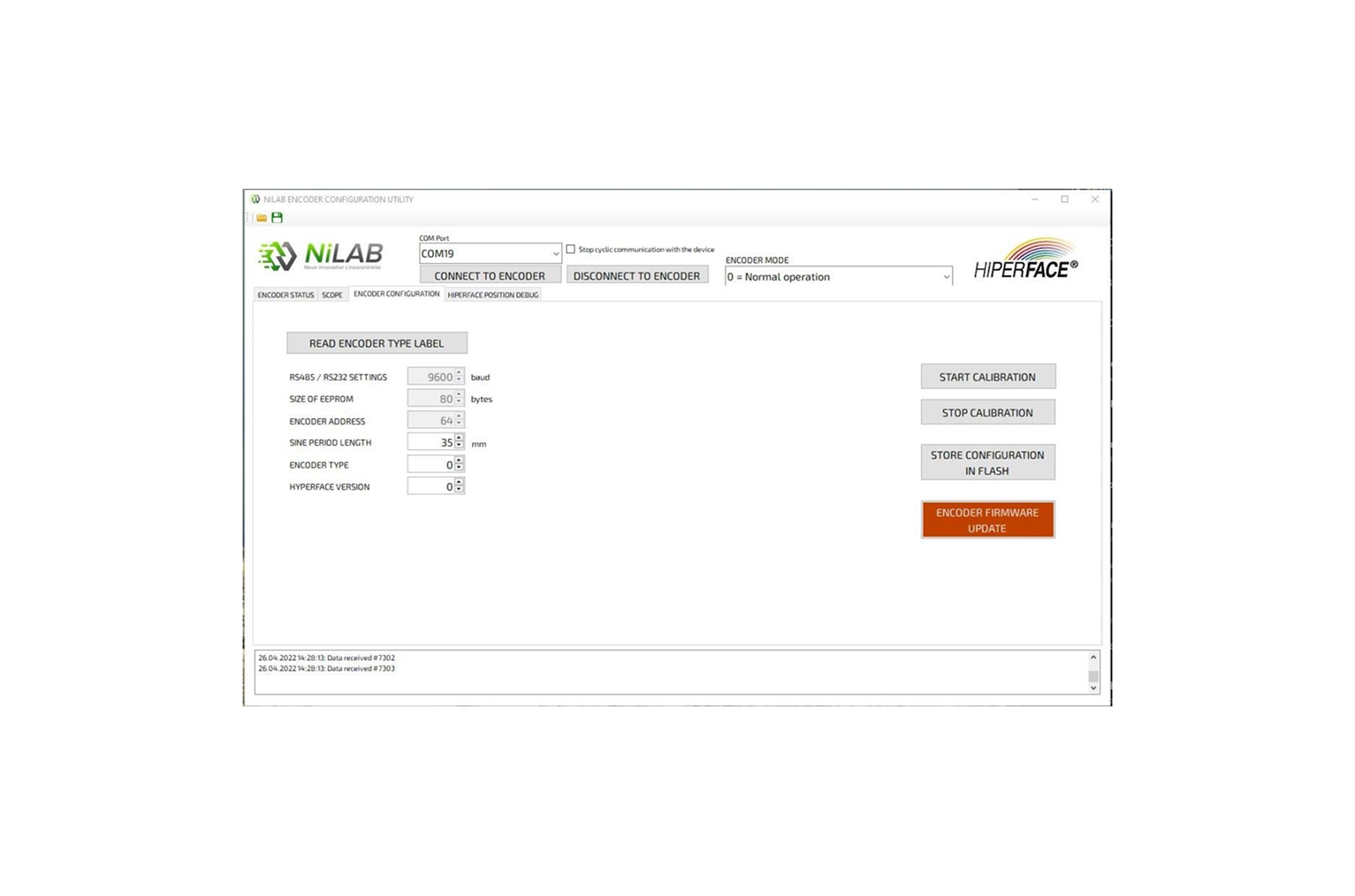
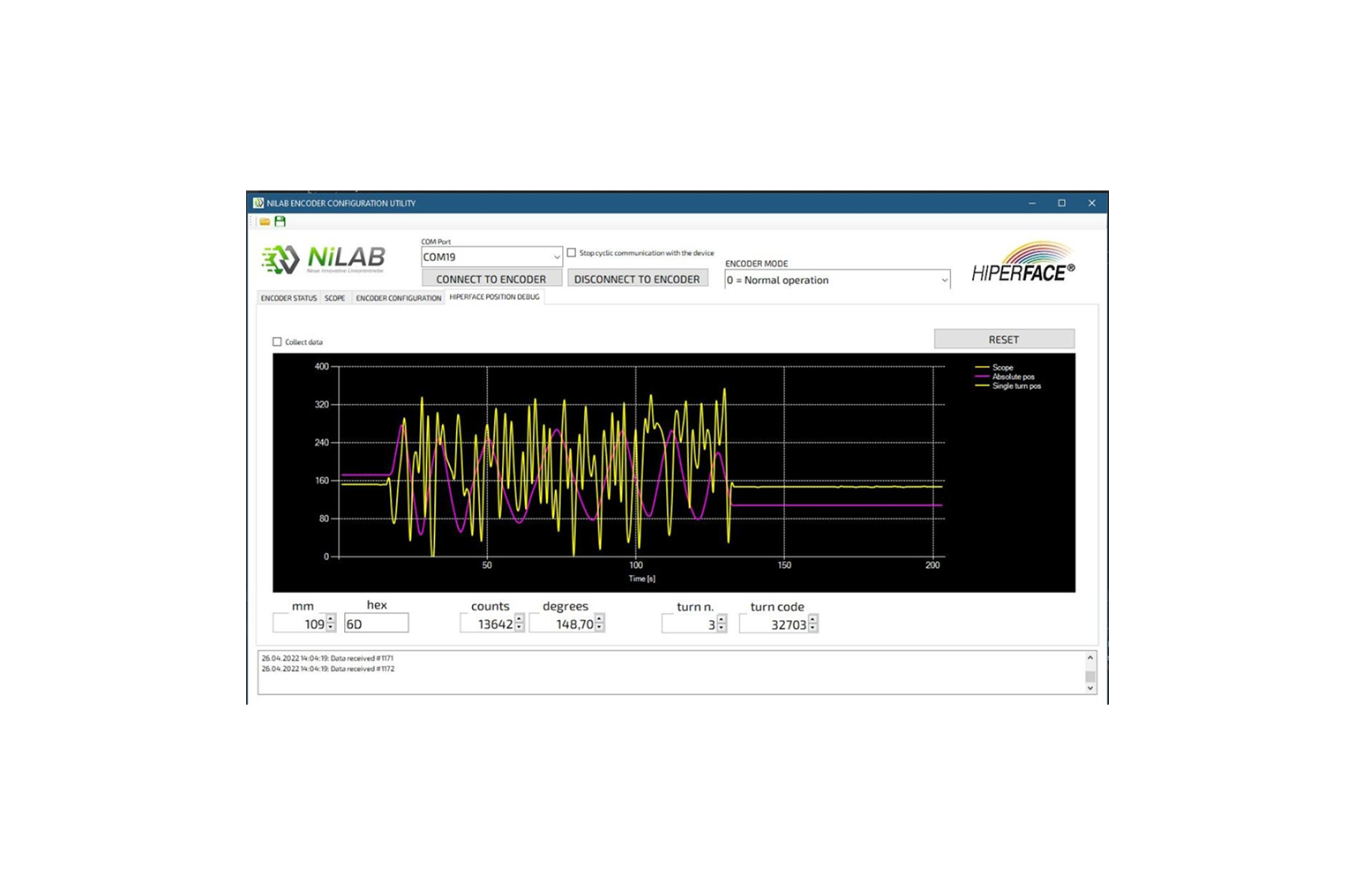
This window can be used to program the encoder parameters and to read the absolute and relative position. It is possible to view the calibration and off-set parameters and the absolute position where the reference magnet is.
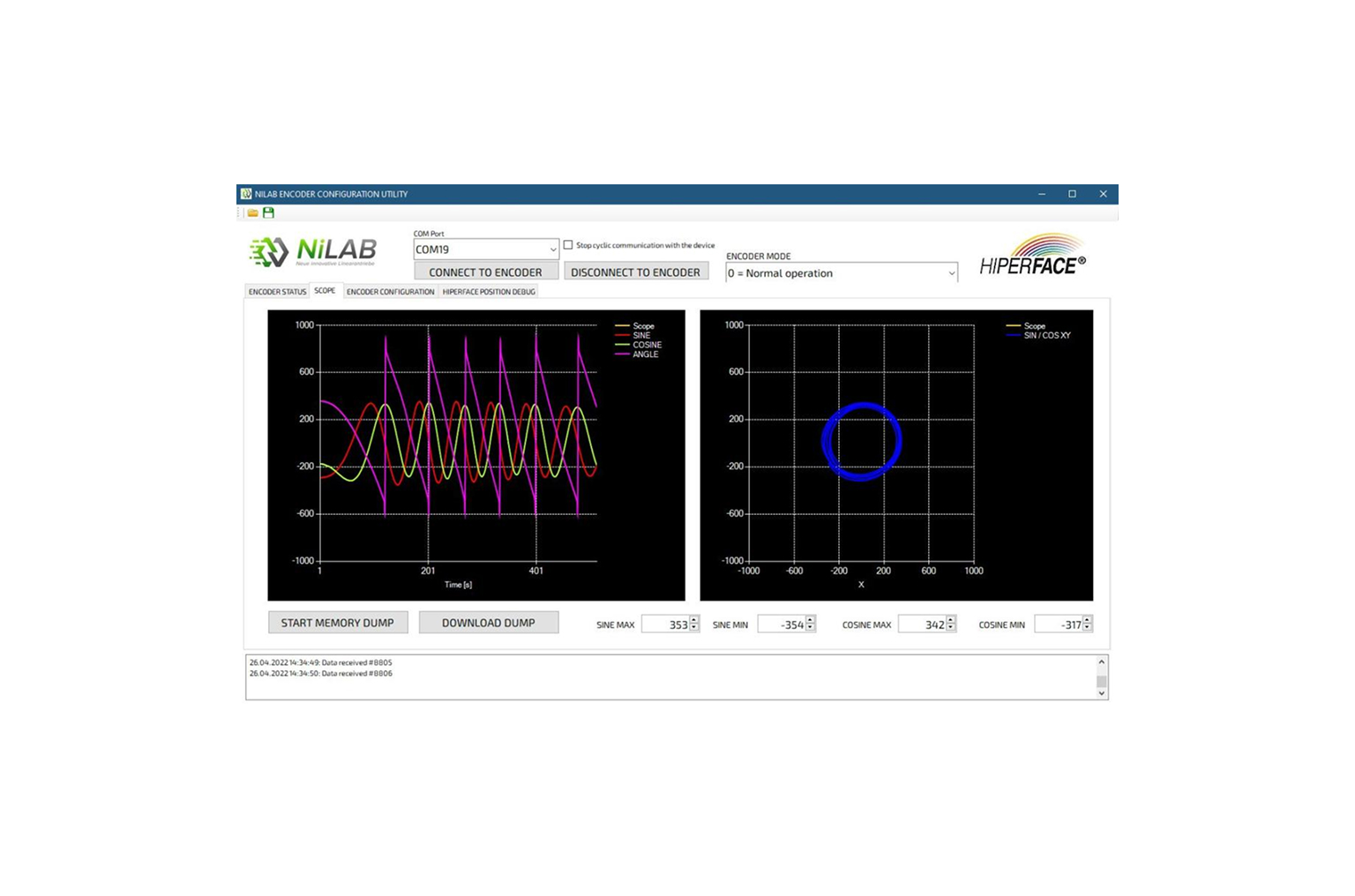
This window allows the visualization of the analogue signals which are generated by the encoder: SIN/COS and tangent function. Furthermore, you can get a XY-view of the encoder signals to evaluate the distortion before and after the calibration.
This window allows to read the encoder type label, to control the calibration and to up-date the encoder firmware.
This window shows the real-time signal of the encoder using Hiperface communication protocol.